
In audio production, mistakes are inevitable. You’ve wrapped up a recording session, but then you notice a mispronounced word, an awkward pause, or a phrase that just doesn’t flow right. The frustration kicks in—do you re-record the whole segment, or do you spend hours trying to fix it in post-production? With ‘Edit’ by Resemble AI, these worries are a thing of the past. Say no more beeps, and embrace seamless audio editing like never before.
Try Edit Now‘Edit’ is a Game Changer!
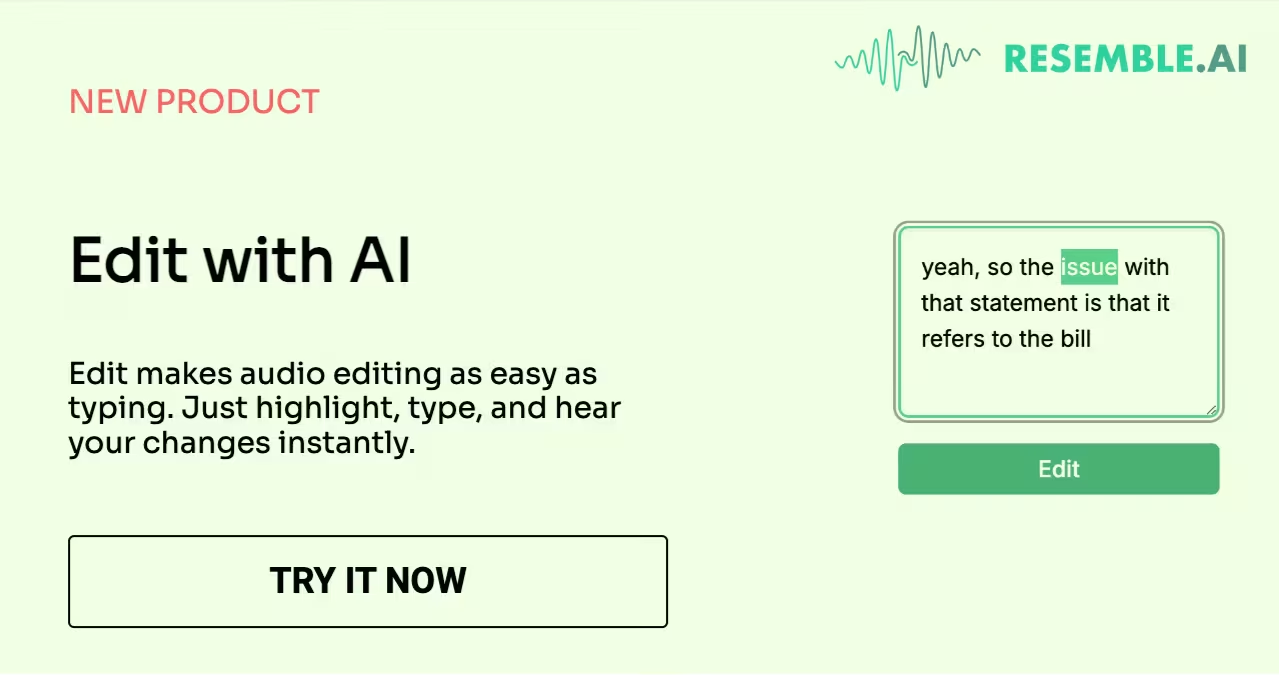
Our new ‘Edit’ feature is designed to simplify the editing process after recording is complete. Imagine realizing that you mispronounced a word or made an error after wrapping up a perfect take. Instead of re-recording or struggling with clunky editing software, ‘Edit’ allows you to seamlessly correct these mistakes in just a few clicks. It’s like fixing a typo in a document—quick, simple, and stress-free.
How To Use ‘Edit’?
Step I – Upload your Recording
Start by uploading your audio file to the Resemble AI platform.
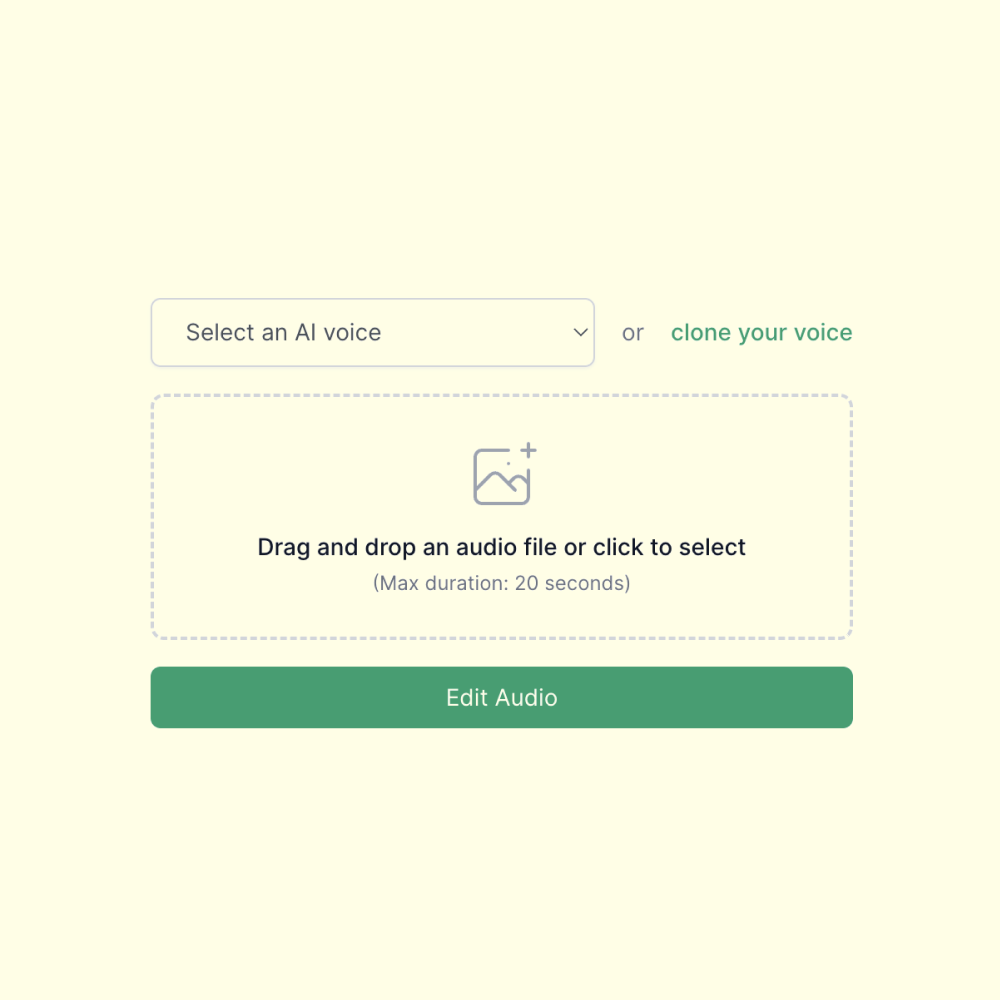
Step II – Highlight the word and make the Edit
Highlight the section you want to fix, type to make the change, then hit ‘Edit’ to apply. Your revised audio is ready instantly.

The Perks of Having ‘Edit’
}Saves Time & Effort
Re-recording segments or trying to splice together the perfect take takes time. 'Edit' cuts down this process significantly, allowing you to make quick fixes without starting from scratch.
High Quality Audio
'Edit' uses Resemble AI’s advanced voice technology to ensure that the changes you make blend seamlessly into the original recording, maintaining the natural flow and tone of your audio
Intuitive & User Friendly
No need to be a tech wizard. 'Edit' is designed with simplicity in mind. The interface is straightforward, allowing you to make precise corrections with just a few clicks.
.avif)