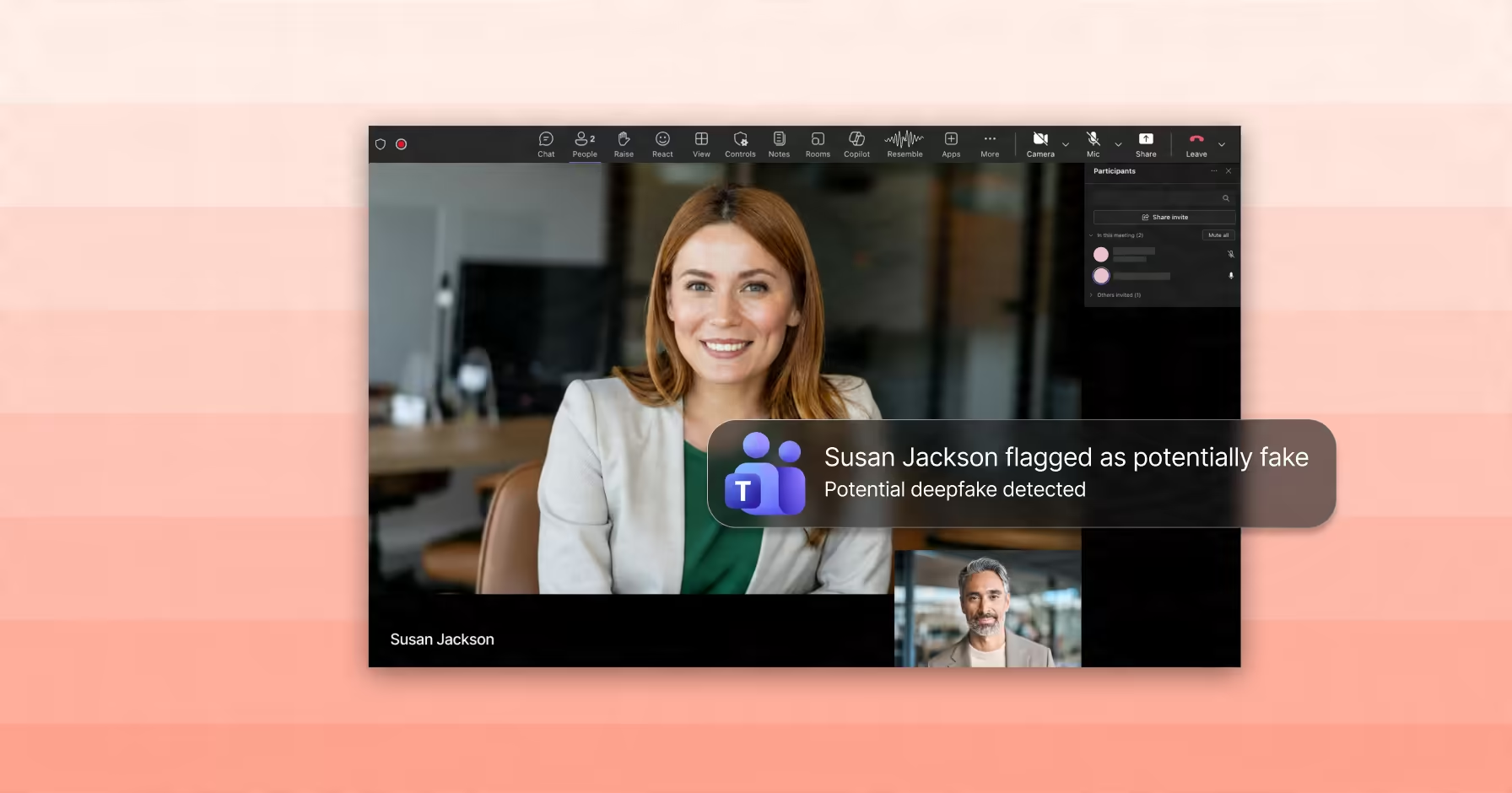
Resemble Detect brings real-time audio and video deepfake detection into your Teams meetings, flagging suspicious participants while the call is happening, without adding an extra attendee to the meeting.
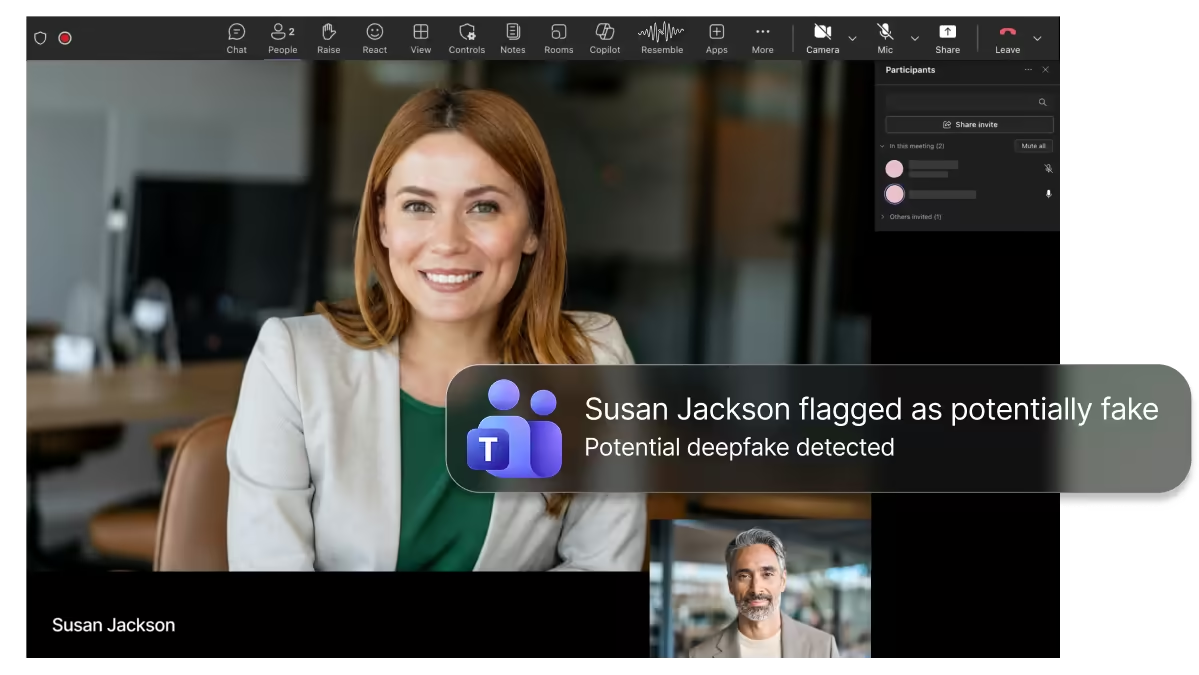
With a native Teams integration, organizations can add detection without changing how users join and run meetings. A visible bot is available if you need one.
Protect interviews, executive calls, vendor reviews, customer escalations, board meetings, and financial approval workflows.
Detection results are delivered in the meeting flow, through activity notifications, and post-call summaries for review and escalation.

For the most part, compliance and security will be on by default across our network—and for what it’s worth, it’s thanks to Resemble. You guys have made it easy.
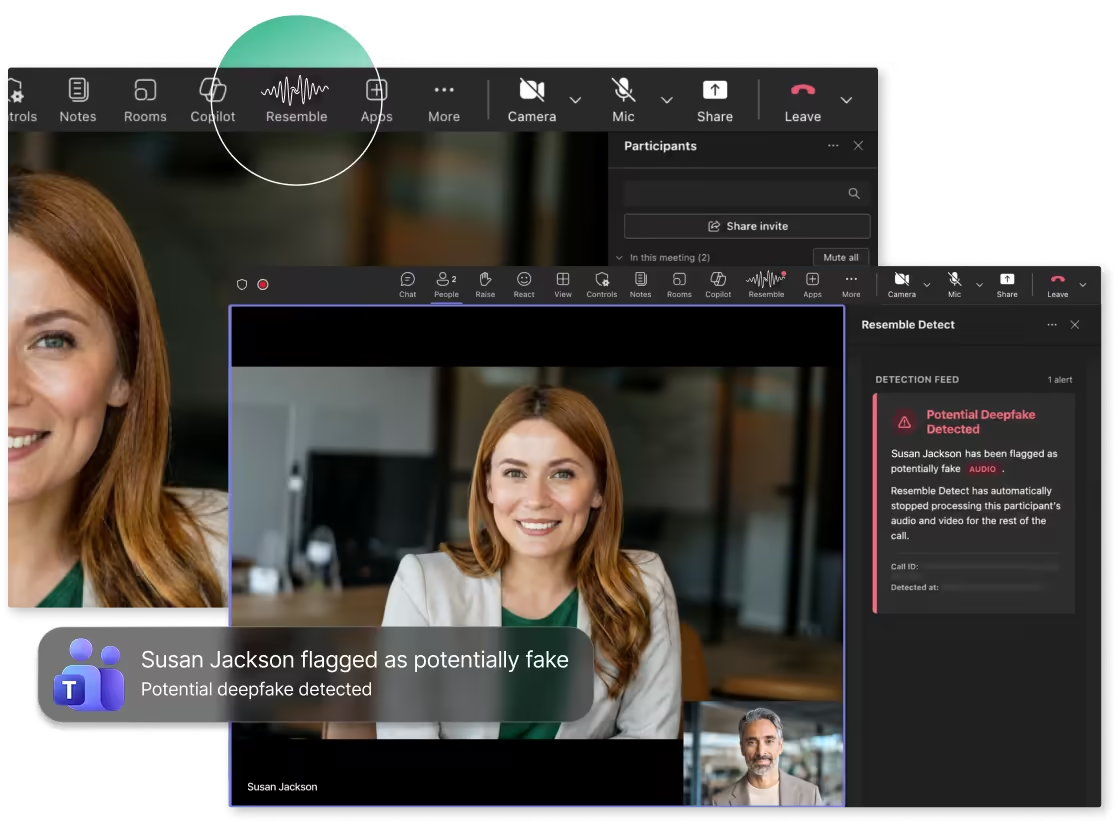
ReResemble Detect appears inside Microsoft Teams as a pinned app for enabled users and runs in the background without adding a bot to the call. Teams shows its standard recording indicator, so participants know the meeting is being recorded. If your organization prefers a visible bot, you can add one.
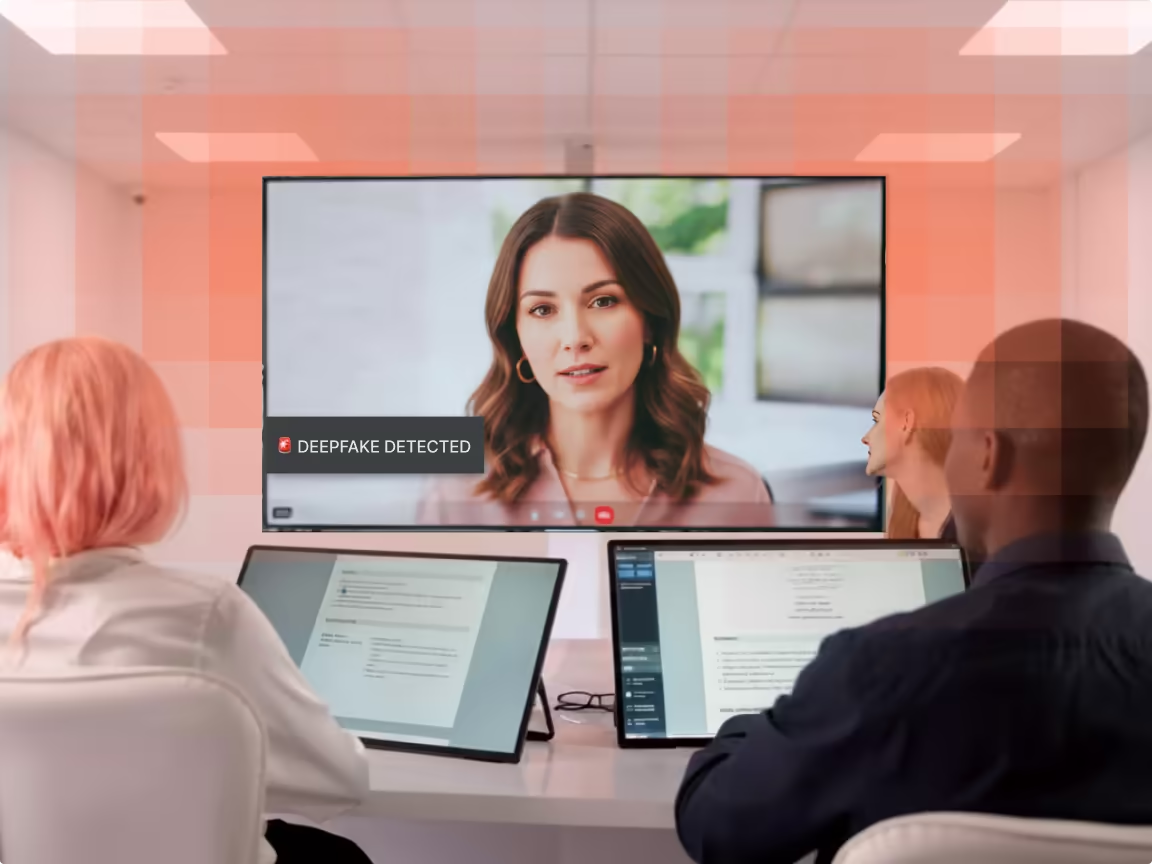
Resemble analyzes live audio and video streams for signs of synthetic or manipulated media. Results identify whether media appears real or fake.
Resemble recognizes the people you've enrolled by their face or voice, and flags it when the name on screen doesn't match the person on the call.
Users can receive alerts through multiple Teams surfaces making high-risk detections hard to miss, both during and after the meeting. Admins can set the next step each alert recommends, such as "pause and verify through your call-back process."
IT and security admins choose who's protected and set the recommended next step for alerts from the Resemble dashboard, starting with the teams most likely to be targeted, such as finance, HR and executive staff. Setup takes about an hour of admin time.
Only the audio and video of participants flagged as suspicious are kept, so your security team can review them. Everyone else's is discarded, and your data is never used to train our models.