When 15.ai first launched, it completely changed how creators brought fictional characters to life through voice. From fan-made videos to memes and podcasts, its ability to mimic iconic voices made it an instant favorite. But ever since it went offline, many have been left wondering what’s the next best tool to bring those voices back to life?
While the market is now flooded with AI voice tools promising lifelike results, not all of them deliver the same quality that 15.ai offered. Some lack the emotional depth, while others fall short on customization or reliability, making it harder to find a truly dependable option.
That’s why we’ve handpicked the best free 15.ai character voice cloning alternatives available in 2025. Each one stands out for its performance, versatility, and ease of use, helping you choose the perfect match for your creative projects.
Key Takeaways:
- 15.ai gained fame for cloning fictional voices but went offline, leaving creators searching for reliable alternatives.
- Alternatives like Resemble.ai, ElevenLabs, and Murf recreate realistic voices using advanced AI models.
- Resemble.ai leads the pack with enterprise-grade security, deepfake detection, and real-time voice cloning.
- Each tool offers unique perks, from multilingual dubbing to instant voice editing and collaboration tools.
- Choosing the right free 15.ai character voice cloning tool depends on your content goals and customization needs.
What’s 15.ai, and Why Do You Need Its Alternatives?
15.ai was an open-source AI text-to-speech platform that gained popularity for mimicking the voices of fictional characters. It allowed users to convert text into high-quality speech using the voices of beloved fictional characters. From My Little Pony to SpongeBob SquarePants, creators could craft audio for fan fiction, podcasts, memes, and videos, all without hiring voice actors.
Advanced Voice Cloning Techniques in 15.ai
- Multi-Speaker Model: Trains multiple voices at once, keeping emotional nuance intact.
- Data-Driven Pronunciations: Learns correct pronunciations of uncommon words using AI models.
- Fandom Integration: Captures speech patterns from Reddit, Twitter, and other fan sources.
Despite its popularity, 15.ai went offline in 2022, leaving creators stranded with unfinished projects. Creators now rely on alternatives that match 15.ai’s capabilities while offering added features like real-time editing, enterprise security, and multi-channel deployment.
A sudden gap left by 15.ai’s absence opened the door for smarter, more versatile tools. Let’s explore these top free 15.ai character voice cloning alternatives that continue where 15.ai left off.
8 Best 15.ai Character Voice Cloning Alternatives
If you’re exploring AI voice tools beyond 15.ai, several platforms offer unique features, realistic voices, and versatile applications. Whether you’re a developer, content creator, or enterprise, these platforms make voice AI easy, accurate, and fun to use:
1. Resemble.ai
Best for: Realistic AI voice cloning & enterprise AIKicking off our list, Resemble.ai combines enterprise-grade security with realistic AI voices. Its advanced AI delivers text-to-speech and speech-to-speech solutions with exceptional accuracy. With free 15.ai character voice cloning capabilities and real-time speech synthesis, it’s perfect for professionals who need both reliability and creativity.
Key Features:
- Real-Time Voice Cloning: Bring any voice to life instantly with just a 30-second sample. Resemble.ai captures tone, emotion, and accent, making your text or speech sound completely natural and ready for use.
- AI Watermarking: Protect your creations with invisible audio watermarks embedded in every clip. Even after edits or compression, your voice remains traceable, keeping ownership and authenticity secure.
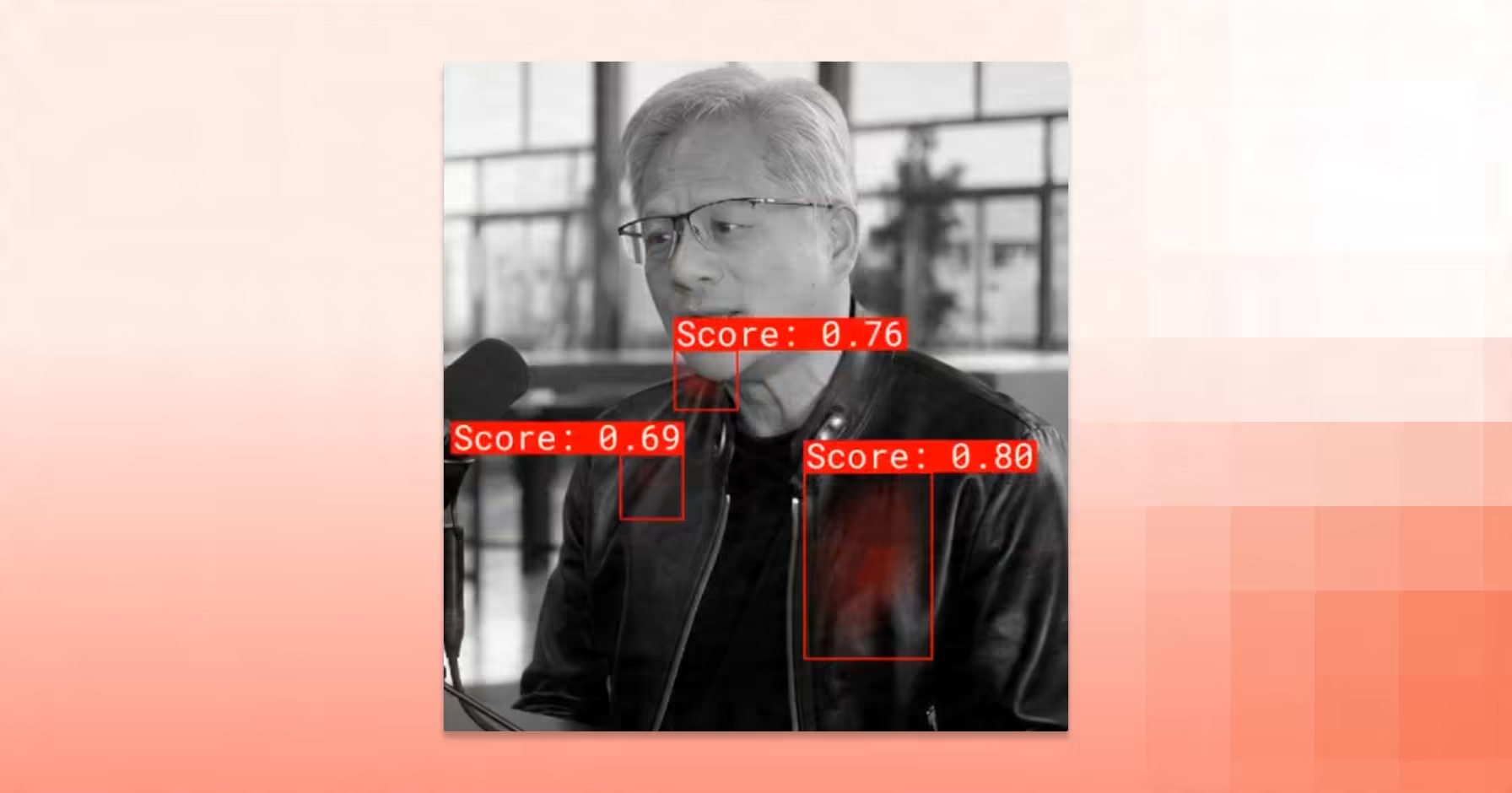
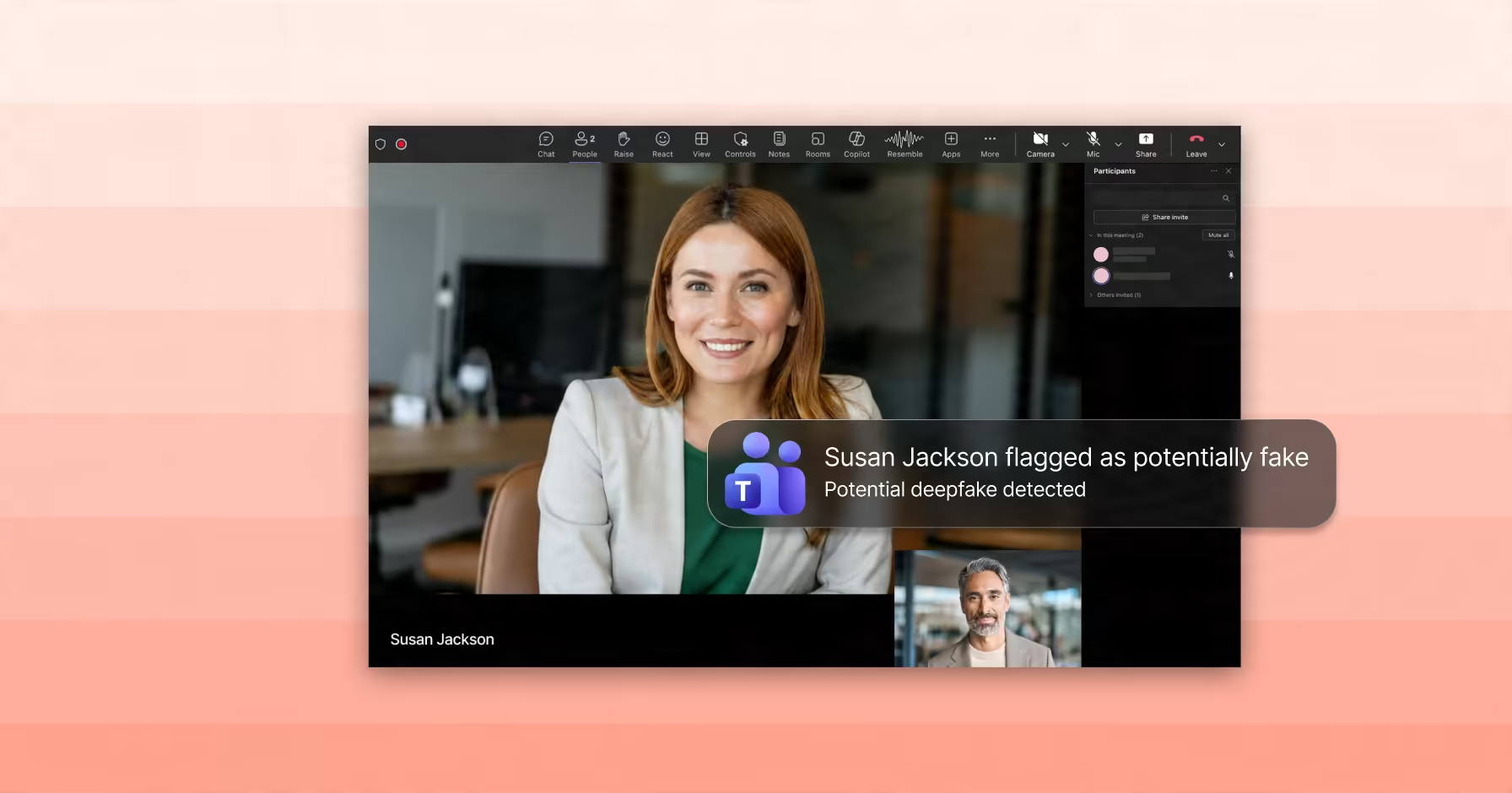
- Deepfake Detection: Detects manipulated audio, video, and images in real-time to safeguard against impersonation or fraudulent content. Its enterprise-grade models analyze media for authenticity and anomalies efficiently.
- Multilingual AI Voices: Clone your voice, speak globally, resonate everywhere. Transform your unique AI voice into over 100 languages, keeping tone, emotion, and authenticity intact for podcasts, games, and international content.
- Audio Editing: Edit your AI voice on the fly. Fix mistakes, add new lines, or create full episodes without recording again. Your digital voice clone is always ready.
| Pros | Cons |
| Extremely realistic AI voice cloning Multi-channel integration and API | Advanced features require a paid plan |
2. Uberduck
Best for: Celebrity & character voice imitation
Next up, we have Uberduck. This tool adds a fun twist to AI voice cloning, letting creators mimic celebrities, cartoons, and characters effortlessly. Its playful approach makes voice-driven content creation entertaining while maintaining technical depth for custom voice projects.
Key Features:
- Extensive Celebrity Library: Access thousands of voices, including cartoon characters and celebrity impersonations, for creative projects.
- AI-Generated Music: Create rap or songs by generating lyrics and applying AI voices seamlessly.
- Custom Voice Cloning: Train voices that can speak, sing, or rap according to your project needs.
- API Integration: Embed Uberduck’s text-to-speech and cloning features into your applications effortlessly.
- Multilingual Text-to-Speech: Support for several languages allows a broader audience reach and global usability.
| Pros | Cons |
| Simple, intuitive user interface Fun and versatile voice options API available for custom integration | Limited language support Some voices may sound artificial |
3. ElevenLabs
Best for: High-quality AI voice generation
ElevenLabs is a top choice for creators who need high-quality AI voice generation quickly. It allows users to produce natural, expressive voices while supporting multiple languages and emotional tones, making it perfect for audiobooks, videos, or podcasts.
Key Features:
- Instant Voice Cloning: Generate custom voice clones with just a few minutes of audio input.
- Multilingual Support: Produce speech in over 30 languages, keeping the original speaker’s voice traits intact.
- Emotion Control: Adjust the emotional tone of generated speech to match different content scenarios.
- Dubbing Studio: Translate and dub videos while preserving the nuances of the original voice.
- Voice Isolator: Improve audio clarity by isolating and enhancing voice recordings effectively.
| Pros | Cons |
| Produces natural, expressive speech Easy-to-use interface Suitable for audiobooks, videos, and podcasts | Free tier limits commercial use May struggle with strong regional accents |
4. Murf
Best for: Voiceovers & team collaboration
Murf is ideal for teams and creators looking for professional voiceovers without the hassle of recording studios. It’s 200+ voices in 20+ languages, along with pitch, speed, and emphasis controls, that streamline the voiceover creation process.
Key Features:
- Custom Voice Cloning: Recreate any voice accurately for voiceovers and narrations.
- Voice Changer: Convert recorded voices into polished, professional AI voices easily.
- Background Music Integration: Add music to enhance the generated voice-overs seamlessly.
- Team Collaboration: Multiple users can share, edit, and contribute to the same project.
- API Access: Integrate Murf features into applications or workflows for efficiency.
| Pros | Cons |
| Collaboration-friendly Wide selection of natural-sounding voices | Free version limits downloads and generation time |
5. FakeYou
Best for: Emotive character voices
FakeYou is all about creating fun, emotive and recognizable character voices from celebrities or popular media. With over 2,000 voice options and support for text-to-speech and video, it’s great for casual creators seeking entertaining AI voice experiences.
Key Features:
- Extensive Voice Options: Choose from thousands of celebrity and character voices for creative projects.
- Text-to-Speech and Voice Conversion: Generate speech or mimic voices directly from text or voice samples.
- Voice Designer: Craft your own unique AI voice for personalized content.
- Zero-Shot Voice Cloning: Clone voices instantly without pre-training.
- Video Integration: Add AI voices directly to video content for dynamic storytelling.
| Pros | Cons |
| Unlimited TTS in all plans Easy and fun to use | Some voices may sound unnatural |
6. Narakeet
Best for: Video narration & TTS
Narakeet excels at turning text and slides into professional voice-enabled videos. With support for 80 languages and 500+ voices, it’s perfect for educators, marketers, and content creators aiming to quickly produce polished video content.
Key Features:
- Text-to-Video Conversion: Automatically generate videos from text or presentation slides.
- Extensive Voice Library: Access hundreds of voices to suit different languages and styles.
- Template-Based Video Creation: Quick-start templates for YouTube, LinkedIn, and other platforms.
- Background Music & Narration: Add layers of audio for richer video content.
- Developer APIs: Integrate Narakeet functionality into custom applications for automated workflows.
| Pros | Cons |
| Supports a wide range of languages Easy video creation with templates | Limited video resolution up to 2560 pixelsVoice customization options are restricted |
7. Play.ht
Best for: Ultra-realistic voices & customization
If you’re looking for free 15.ai character voice cloning alternatives that deliver ultra-realistic voices, Play.ht is a top contender. With over 900 voices in 140+ languages, it works perfectly for podcasts, e-books, IVR systems, and any project needing professional-grade audio.
Key Features:
- Voice Cloning: Create highly accurate AI voices by cloning real human voices for unique audio content.
- Extensive Voice Library: Choose from 600+ voices across 100+ languages for diverse and inclusive projects.
- Real-Time Speech Editing: Adjust pronunciation, tone, and pacing instantly to match your content needs.
- API Integration: Seamlessly integrate Play.ht’s voice capabilities into apps or workflows.
- Commercial Usage Rights: Use generated audio in commercial projects without extra licensing concerns.
| Pros | Cons |
| High-quality, realistic voices Real-time editing and customization | Unlimited voice generation only on premium plans |
8. FineShare FineVoice
Best for: Voice changing & TTS AI tools
FineVoice is perfect for streamers, podcasters, and gamers wanting real-time voice changes or unique character voices. With over 30 effects and an easy-to-use interface, it adds personality and flair to your content effortlessly.
Key Features:
- Real-Time Voice Changer: Modify your voice live across apps like Twitch, Discord, and Zoom.
- Custom Voice Creation: Craft unique voices using 28+ audio effects for full personalization.
- TTS & Speech-to-Text Tools: Convert text to speech and vice versa efficiently.
- Audio Extraction: Extract audio from video files for repurposing or editing.
- Character & Celebrity Voices: Access a wide selection of anime, fictional, and celebrity voices.
| Pros | Cons |
| Intuitive and easy-to-use interfaceExpressive and customizable voices | Free plan has limited TTS charactersRequires active internet connection |
Now that you’ve seen the top free 15.ai character voice cloning alternatives, how do you really compare them to the original 15.ai experience? Let’s take a closer look at how Resemble.ai stacks up against 15.ai and why it stands out as the top choice.
Also Read: Best AI Voice Text to Speech for YouTube
Resemble.ai VS 15.ai
While 15.ai focused on fan-favorite character voices, Resemble.ai brings professional-grade AI voice technology to the forefront. It’s designed for creators, developers, and enterprises who value real-time voice cloning, advanced security, and versatile voice applications.
| Feature | Resemble.ai | 15.ai |
| Voice Quality | Ultra-realistic and expressive | High-quality, fan-focused |
| Real-Time Cloning | Yes, instant with just a 30-second sample | Limited, mostly pre-generated |
| Multi-Channel Deployment | Calls, WhatsApp, emails, integrations | None |
| Security & Deepfake Detection | Enterprise-grade built-in DETECT‑2B, with 94% accuracy | Not available |
| Customization & Voice Editing | Editable, type-to-change voice content | Minimal editing options |
| Enterprise Suitability | Scalable for teams and professional use | Hobbyist/fan content only |
Also Read: Create Professional Narrator Voice-Over with AI
Final Verdict
AI voice cloning has come a long way since 15.ai, offering content creators and enterprises reliable tools to produce realistic speech. Today’s platforms balance creativity with precision, offering more control, security, and flexibility. From fan-focused platforms to professional-grade solutions, exploring these free 15.ai character voice cloning alternatives ensures uninterrupted creativity.
If you are looking for a reliable and feature-rich experience, Resemble.ai stands out with real-time voice cloning, audio intelligence, deepfake detection, and multi-channel integration. You can start cloning voices in minutes by creating an account, uploading or recording a short sample, and generating lifelike audio instantly. Developers can also use its API for custom integrations.
Book a free demo to start creating, editing, and deploying authentic AI voices across platforms with ease.
FAQ’s
1. How to clone a voice for free with AI?
You can clone a voice for free using AI tools that generate speech from short audio samples or text inputs. Platforms like Resemble.ai even offer free trials to create realistic voice clones with advanced text-to-speech and editing features.
2. Is 15 AI still available?
No, 15.ai has been offline since 2022 and hasn’t officially returned. However, several alternatives now provide similar or better capabilities for AI-driven character voice generation.
3. Is AI voice cloning illegal?
AI voice cloning isn’t illegal when done with consent, but using someone’s voice without permission can lead to privacy or copyright violations. Always ensure you have the right to use a voice before cloning it.
4. Can Character AI clone a voice?
Yes, AI can replicate someone’s voice using deep learning and speech synthesis models. However, the accuracy and realism depend on the technology used and whether ethical guidelines are followed during the process.