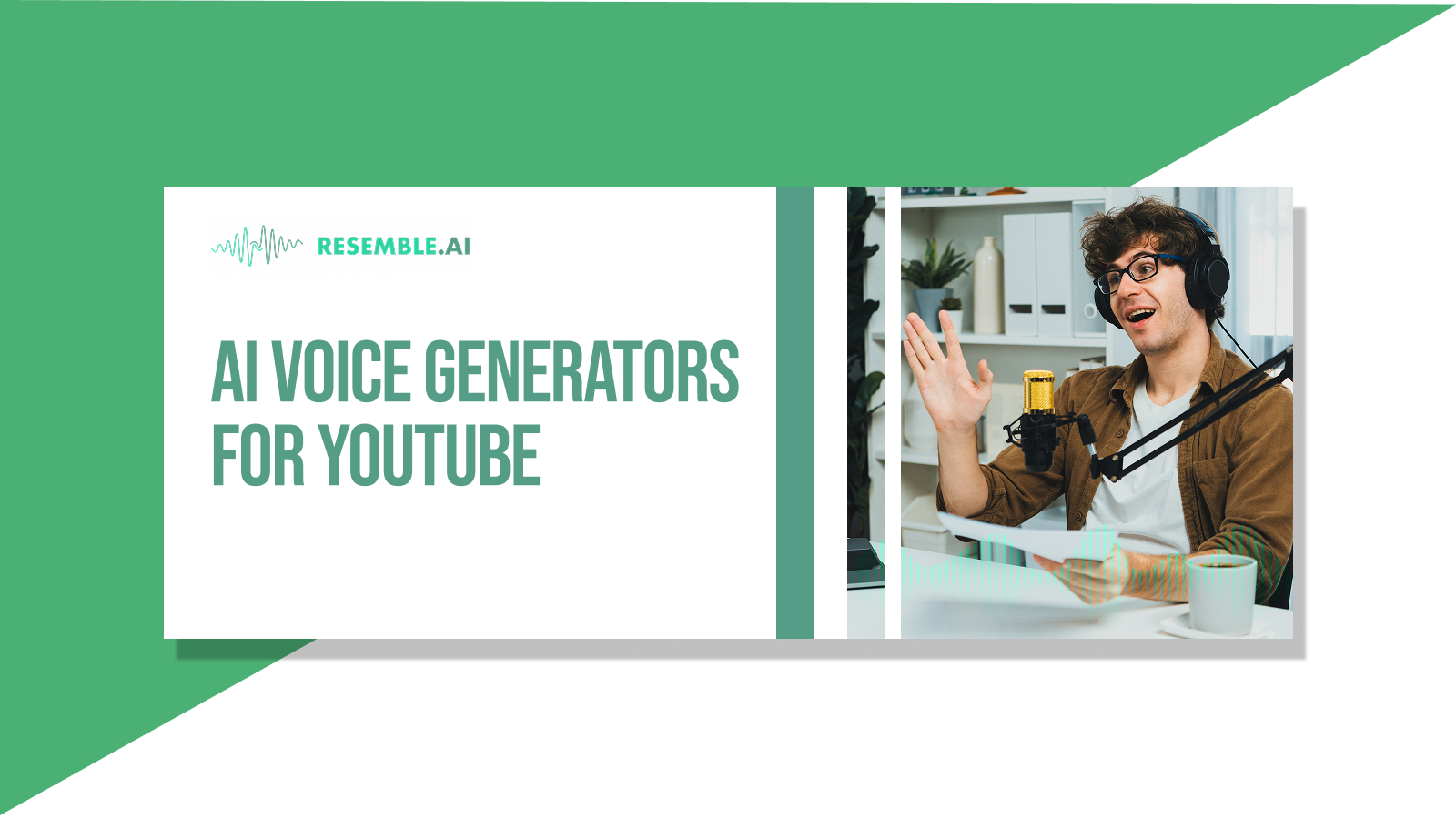
There’s a reason you keep hearing the same voice narrating Reddit horror stories, niche explainers, and faceless commentary on YouTube Shorts; it’s more than a trend. AI voice generators have become a go-to creative tool, allowing creators to stay consistent, anonymous, and on schedule, often without recording a single word.
For many, these voices aren’t just a time-saver; they offer a scalable, low-friction way to produce content where personality isn’t tied to a face. As a result, AI narration has become part of the YouTube storytelling playbook — recognizable, repeatable, and optimized for engagement.
Because the reality is: producing content today is exhausting. Creators juggle writing, editing, scripting, algorithms, and burnout — all while trying to keep their videos sounding fresh, clear, and emotionally engaging. For faceless channels, small teams, or solo creators who simply don’t have the time (or voice) to record every day, AI narration has become more than a shortcut — it’s part of the storytelling strategy.
And while many rely on default text-to-speech apps, there’s a growing shift toward tools that offer emotional tone control, voice cloning, multilingual support, and production-grade audio editing — because sounding “real” now matters as much as looking polished.
This blog breaks down the 10 best AI voice tools built for YouTube creators in 2025 — not just general TTS apps, but platforms that help creators sound original, emotional, and production-ready, with zero mic time.
TL;DR (Key Takeaways)
- Resemble AI leads the pack with voice design, cloning, audio-video editing, multilingual support, and features like Chatterbox and Resemblyzer, making it ideal for serious creators.
- Murf.ai and Play.ht offer quick, polished voiceovers with tonal control and script editing, though they’re lighter on editing features.
- LOVO.ai (Genny) and Synthesia pair voice with video tools, suited for educational or branded content.
- Speechify, ElevenLabs, and Speechelo serve well for short-form and motivational styles with a simpler setup.
- WellSaid Labs and Clipchamp, with Azure AI, lean toward studio-level production or business use, offering cleaner voices but less creative flexibility.
If you’re building a YouTube channel that runs on voice, these tools can keep your workflow sharp. And if you want one that adapts to you, Resemble AI stands out for more than just voice; it provides options that scale with your ideas.
10 Best AI Voice Generators for Your YouTube Video Creation
Resemble AI

Resemble AI stands out as a premium voice generation platform, specifically designed for content creators seeking to produce high-quality, scalable voiceovers for YouTube. Whether you’re building faceless Shorts, narrative-driven explainer videos, or localized content for a global audience, Resemble AI offers the flexibility and realism today’s creators demand. With the ability to craft original voices or clone existing ones with high fidelity, it gives creators complete control over tone, emotion, and identity. Its seamless workflow tools, including audio and video editing, make it an all-in-one solution for creators who want production-grade output without third-party dependencies.
Key Features:
- Voice Design: Create entirely new voices from scratch using customizable parameters for tone, pitch, and emotional texture.
- Voice Cloning: Generate accurate replicas of real voices from short or extended audio samples, preserving natural nuances.
- Text-to-Speech (TTS): Convert written scripts into expressive, high-quality audio with detailed control over delivery.
- Speech-to-Speech (STS): Transform existing voice recordings into different voices while retaining emotion and intent.
- Audio Editing: Modify voice output like a text document, adjust pauses, pronunciation, and structure with precision.
- Video Editing: Access a built-in timeline editor for syncing audio with visuals directly on the platform.
- Chatterbox: Auto-generate voice dialogues using conversational AI to script and voice dynamic back-and-forth content.
- Resemblyzer: Explore and utilize a growing voice database to experiment with a variety of styles and tones.
- Multilingual & Localized Accents: Supports over 120 languages and accent control for native-sounding, region-specific delivery.
Cons:
- Custom voice cloning for commercial use may require extended training time for premium results.
Watch this YouTube video to learn about how to clone your voice with rapid cloning
Murf.ai

Murf.ai has positioned itself as an accessible AI voice platform for creators who need fast turnaround and professional-grade audio. It caters to YouTubers, educators, and marketers who want clean narration without needing to record themselves. The tool also offers collaboration features, making it convenient for team-based video workflows.
Key Features:
- 120+ voices across 20+ languages
- AI voice changer to convert your recorded voice into different AI voices
- Built-in script writing and editing panel
- Pitch, emphasis, and speed control for better voice modulation
Cons:
- Limited emotional nuance in some non-English voices
- Request a connection for rendering
- Limited video editing compatibility
Play.ht

Play.ht delivers AI voices with strong control over tone and emotion, suitable for documentary-style content and long-form storytelling on YouTube. It’s especially valued by creators who prioritize audio quality and clarity, thanks to its use of advanced neural voice models. Its WordPress plugin also makes it useful for multi-platform content creators.
Key Features:
- Realistic voice library with over 1000 AI voices
- Supports multiple file formats, including MP3 and WAV
- Voice inflection and emotion control features
- Preview and fine-tune speech in real time
Cons:
- Limited free-tier usage
- No built-in video editing tools
- Requires manual syncing with video software
Also, read how you can create YouTube shorts with AI voice tutorials
LOVO.ai

LOVO, recently rebranded as Genny, blends AI voice generation with a user-friendly editing interface. It’s often used for YouTube explainers, educational videos, and faceless channels thanks to its consistent voice output and text-video syncing features. The tool also provides lip-sync support, which some creators use to animate avatars or characters.
Key Features:
- 500+ voices across 100 languages
- Voice cloning support for Pro users
- Timeline-based editor for syncing voice with visuals
- Emotion tagging for lines in the script
Cons:
- Voice cloning is locked behind higher-tier plans
- Occasional delays in rendering high-res files
- Limited fine-tuning options compared to more advanced tools
WellSaid Labs

WellSaid Labs is recognized for its enterprise-grade voice synthesis capabilities. It offers some of the most realistic AI voices available. It’s frequently used in professional video narration, corporate YouTube content, and educational walkthroughs. Creators appreciate its consistency and broadcast-quality output, though it’s more geared toward business use than indie creators.
Key Features:
- Studio-level TTS with voice actor-grade quality
- Custom voice avatars for consistent branding
- Cloud-based script editor with easy export options
- Team sharing and collaboration support
Cons:
- More expensive than creator-tier platforms
- Fewer customization controls for pitch/speed
- Lacks real-time voice conversion tools
Synthesia

While primarily known for its AI video avatars, Synthesia also features a powerful voice generation engine that YouTube creators utilize for explainer-style content or multilingual video localization. Its ability to pair voiceovers with animated presenters makes it ideal for instructional or business-facing channels that want a “face” without the need for filming.
Key Features:
- 120+ AI voices with avatar syncing
- 140+ languages and regional accents
- Built-in script editor and templates for rapid video creation
- Direct export in MP4 with subtitles
Cons:
- The avatar-focused format may not suit all channel styles
- Less flexibility in voice tone customization
- Subscription-based model with limited export credits
Learn more about Resemble AI’s best AI male voices for YouTube videos
Speechify

Originally popular as a productivity tool, Speechify has expanded into content creation thanks to its simple interface and natural-sounding voice options. Many YouTubers utilize it for converting written content, such as blog posts or scripts, into audio narration, particularly for motivational, educational, or personal development content.
Key Features:
- Library of AI voices with lifelike pacing
- Text input via PDF, Docs, or webpages
- Chrome extension and mobile app for multi-device use
- Adjustable playback speed and tone
Cons:
- Less control over emphasis or pronunciation
- Limited support for longer-form video projects
- No video or timeline-based editing features
ElevenLabs

Known for its advanced voice realism and emotion mapping, ElevenLabs is utilized by creators who seek to craft their narration with nuanced and human qualities. Especially popular among narrative YouTubers and audiobook-style channels, it enables users to replicate subtle shifts in tone and delivery that mimic those of real voice actors.
Key Features:
- High-fidelity voice cloning with emotion control
- Fine-grained editing for pitch, pauses, and pacing
- Supports multiple languages and dialects
- Developer API for integration into custom workflows
Cons:
- Requires technical familiarity for best results
- UI is more utilitarian than creator-friendly
- Voice cloning requires clear, high-quality samples
Clipchamp with Azure AI (Microsoft)

Microsoft’s Clipchamp now includes Azure AI’s neural TTS models, giving creators access to professional voiceovers inside a drag-and-drop video editor. YouTube creators benefit from having an all-in-one solution that enables them to edit footage, add voiceovers, and export videos directly from their browser.
Key Features:
- AI-powered voiceovers with natural cadence
- Timeline editor with audio/video syncing
- Cloud-based workflow with no installation needed
- Access to Microsoft’s growing TTS library via Azure
Cons:
- Limited advanced voice settings (e.g., emotion, stress)
- Works best within Microsoft’s ecosystem
- Not ideal for long-form content creation
Speechelo

Speechelo is a go-to budget tool for beginner YouTubers or faceless channel owners who want fast, decent-quality narration without learning curves. It offers quick conversion of text to speech with selectable tones (normal, joyful, serious), which suits short-form content, such as Shorts and slideshow videos.
Key Features:
- 30+ voices with three tone styles
- Breathing and pause effects for added realism
- Works with most video editing tools
- One-time payment option available
Cons:
- Limited language and accent variety
- Less natural-sounding compared to premium tools
- No voice cloning or advanced audio editing
Conclusion
YouTube creators often manage tight schedules, constant uploads, and the pressure to stand out in a sea of similar content. Voice plays a quiet but powerful role in that process, setting the mood, shaping the pacing, and building a recognisable identity, especially for channels that run without showing a face. A reliable AI voice tool helps creators streamline that workflow without cutting corners on impact.
Resemble AI doesn’t just cover the basics; it brings flexibility that supports growth, scale, and creativity. From designing unique voices to refining delivery with built-in editing, it gives creators more control over how their content sounds at every stage.
Ready to sound like your content deserves? Book a demo with Resemble AI and build a voice that matches your vision, original, consistent, and made for YouTube.
FAQs
- Can I monetize YouTube videos that use AI-generated voices?
Yes, but it depends on the tool’s licensing. Platforms like Resemble AI offer commercial rights, which allow monetization. Always review the licensing terms, especially if you’re cloning a voice or using prebuilt voices at scale. - Can I use AI voiceovers to create character dialogues for animated YouTube videos?
Absolutely. Tools like Resemble AI’s Chatterbox feature are designed to help creators build conversational voice tracks using different voice styles or characters, ideal for animations, dramatizations, or story-driven content. - What should I look for in an AI voice generator if I want to grow my channel in the long term?
Beyond voice quality, look for features like voice design, multilingual support, editing capabilities, and scalable licensing. A platform like Resemble AI checks these boxes and provides you with the flexibility to evolve your content style without needing to switch tools later.